September 18, 2025 | UAE : In the world of AI tools, Google Gemini AI prompts are the new paintbrush for digital creators. Whether you’re turning a selfie into a 3D mini-figurine or designing fantasy scenes, knowing how to craft smart Google Gemini AI prompts can make all the difference. Today, we’ll walk you through how to use them well, some inspiring examples, and pitfalls to avoid, so your outputs are sharp, creative, and surprisingly fun.
For many people, crafting Google Gemini AI prompts feels like guessing. You provide a few words, click “generate,” then hope the result matches what you imagined. That disconnect vanishes when you understand how prompts work: what details to include, how to structure descriptions, and what styles to call out. With good Google Gemini AI prompts, you get clarity, consistency, and creativity.
Below, you’ll find tips on writing better prompts, sample prompts you can try with Gemini’s image-editing tools (especially the “Nano Banana” model), and examples of what users are doing when they really nail these Google Gemini AI prompts.
Why Details Matter: Tips to Improve Google Gemini AI Prompts
- Be specific about subject + style
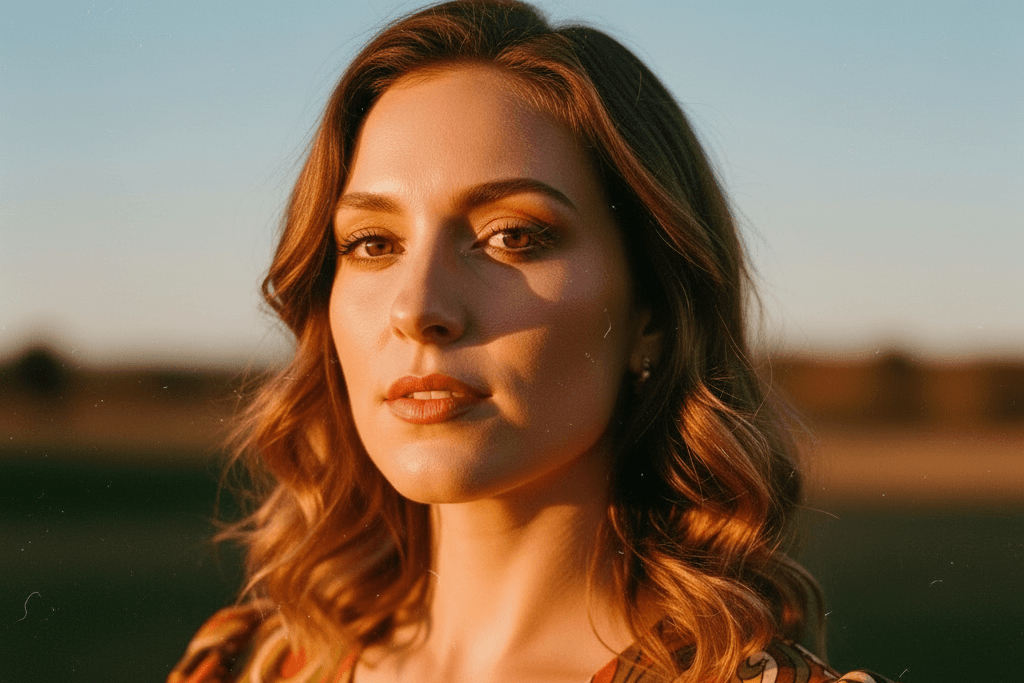
Don’t say “portrait of a woman.” Try: “portrait of a woman in vintage 1970s dress, soft golden hour lighting, film grain effect.” Specificity helps Gemini interpret what you want. - Include mood, lighting, and scene
The same subject in moonlight vs. midday sun vs. neon cityscape gives very different results. Good Google Gemini AI prompts often include “dramatic lighting,” “moody shadows,” or “warm sunrise tones.” - Use reference objects or texture details
If you want fabric textures (silk, linen), or background elements (old wood, marble floor, busy street), mention them. The more sensory detail you give in your prompt, the richer the output. - Ask for consistency if needed
If you plan to generate multiple images with the same character or object, tell Gemini to preserve defining features (face shape, clothing style, color palette). This helps with series or storyboards. - Include editing instructions
Want part of the picture changed but keep other parts intact? Prompt something like: “Change the background to forest, while keeping the person in original dress, maintain facial expression.”
These foundational tips ensure your Google Gemini AI prompts yield high-quality images that feel aligned with what you imagined.
Sample Google Gemini AI Prompts to Try Now
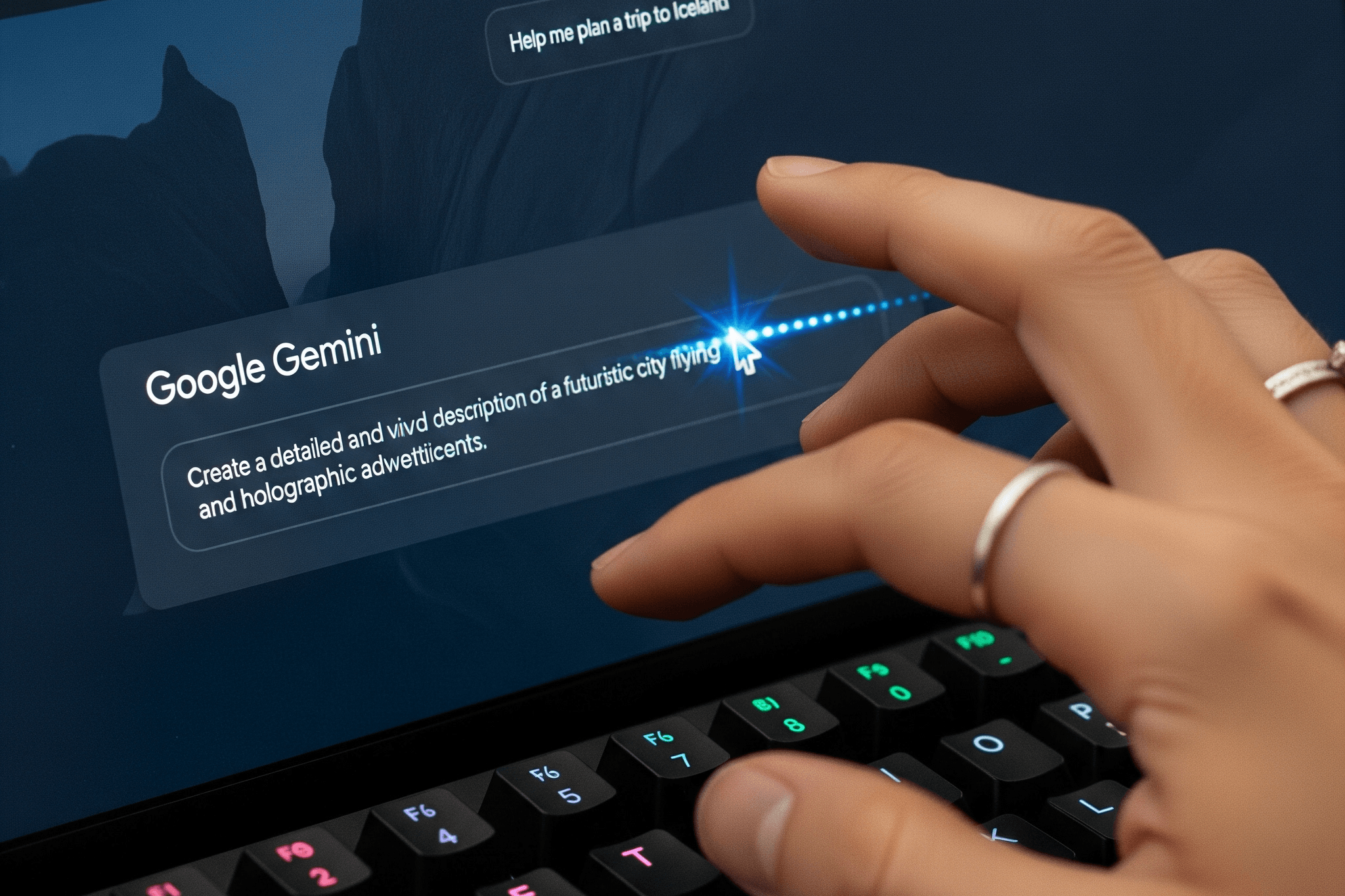
Here are creative prompt ideas many users are experimenting with. Use them directly or adapt to your style:
- “Turn me into a collectible miniature figurine, 1/7 scale, placed on a wooden desk with acrylic display case, studio lighting.”
- “Create an anime-style fantasy dragon soaring over a medieval castle at sunset, with dramatic skies and reflections on water.”
- “Design a nostalgic 90s arcade game cover art, pixelated graphics, neon colors, retro typography, featuring a heroic cat character.”
- “Generate a serene forest scene: deer grazing, soft mist, morning light filtering through tall trees, mossy ground.”
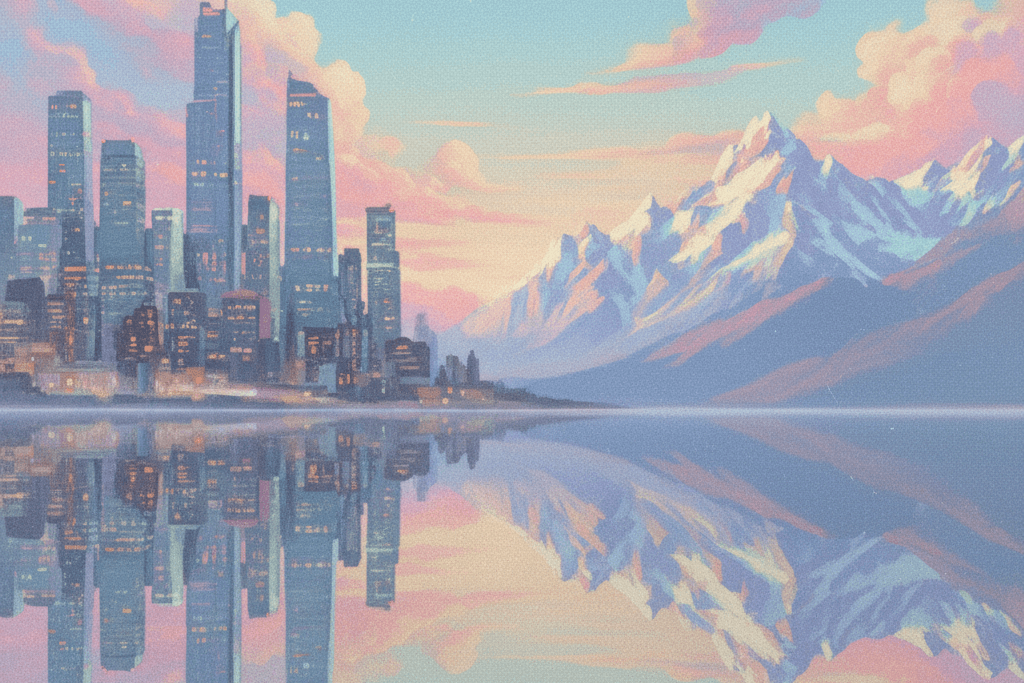
- “Blend two photos: one of a city skyline at night, the other of mountains at dawn, merge with surreal style, pastel hues, reflective water.”
Using these, you’ll see what makes a good result. When you adapt them into Google Gemini AI prompts with your own nuances (colors, mood, environment), you take creative control.
What’s New with Nano Banana & Gemini’s Image Editing
The Gemini team recently introduced a model called “Nano Banana” (also known as Gemini 2.5 Flash Image). This model has made Google Gemini AI prompts even more exciting because it offers advanced image editing, subject consistency, blending, and high fidelity.
For example, you can take a single photo and apply creative edits without losing the core identity of subjects. Nano Banana is good at preserving facial features, clothing details, and allowing local edits (changing background, lighting, etc.). This gives users more freedom and makes Google Gemini AI prompts much more powerful.
Common Mistakes & How to Fix Them
- Too vague: “Make me pretty”, too subjective. Improve: “Make me look like a fantasy portrait, soft lighting, pastel color palette.”
- Clashing styles: asking for “hyper-realistic” and “cartoon” in same prompt can confuse the model. Choose style direction.
- Ignoring constraints: usage limits, file size, or prompt length, these affect your result.
- Overloading prompt: too much detail can be overwhelming. Better to start moderate and refine.
Getting the Best Results with Google Gemini AI Prompts
- Experiment in stages: try a simple prompt, observe the output, then add details.
- Save or note prompts you like, then tweak them (e.g. change lighting, color) to see how output changes, this helps you learn.
- Use Gemini’s prompt gallery or community examples to see what others have done. Borrow ideas, adapt.
If you’ve been curious about Google Gemini AI prompts, now is a great time to dive in. This is more than a trend, it’s a toolbox for creativity. With the right prompts, you can transform ordinary photos into art, storytelling pieces, or just fun experiments.
Remember: clear descriptions, style cues, consistent subjects, and a bit of experimentation go a long way. The creative possibilities feel endless once you master writing strong Google Gemini AI prompts. So open the Gemini app, try those sample prompts, tweak them, and enjoy the ride.
Also Read: New KHDA Policy: Arabic Mandatory in Dubai Early Learning