

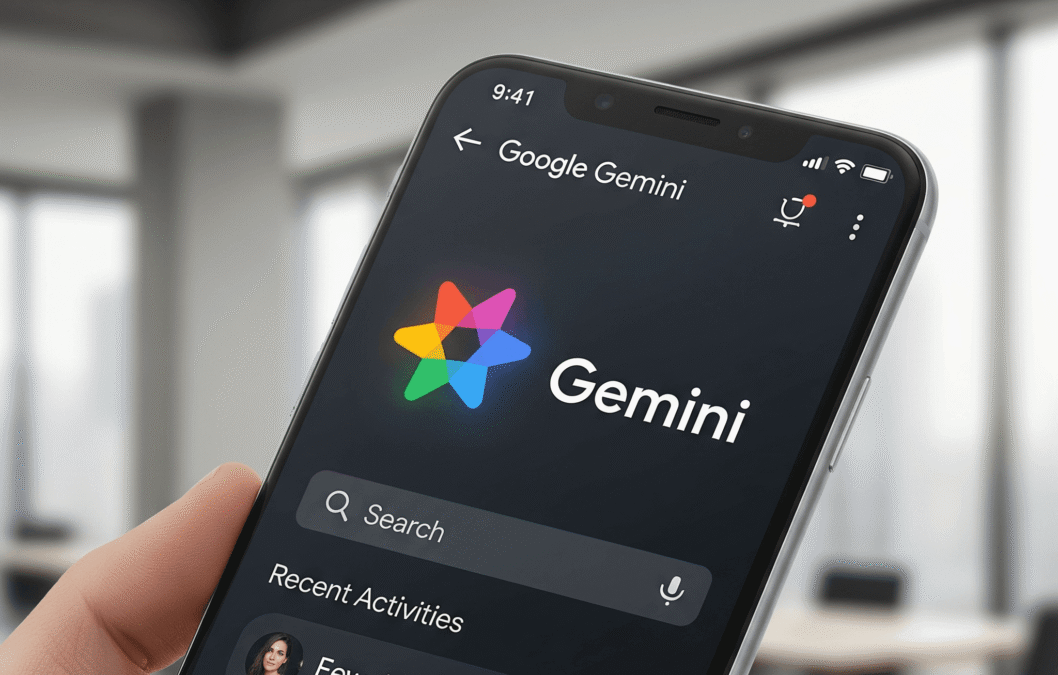
Google is pushing deeper into AI-powered smartphones with the launch of Gemini Intelligence for Android, a new system designed to make everyday phone use faster, smarter, and far less repetitive.
Announced during the Android Show, Gemini Intelligence combines Google’s Gemini AI models with Android itself, allowing the system to automate tasks across apps, understand what’s happening on your screen, and even create widgets using simple natural language prompts.
Related Stories

Gemini AI Brings Smarter Task Automation to Android Phones
The biggest feature is multi-step task automation. Instead of manually switching between apps, Gemini can complete actions for you. Google says users could ask Gemini to find a class syllabus in Gmail, identify the required books, and automatically add them to a shopping cart. The AI can also help reserve gym classes or complete other routine tasks while keeping the user in control before final confirmation.
Google is also expanding Gemini’s ability to understand screen context. Users can long-press the power button and ask Gemini to take action based on what’s visible on the screen. In one example, Gemini turns a grocery list into an online delivery order automatically. Another demo showed the AI analysing a travel brochure photo and searching for similar tour packages online.
Gemini is also coming directly into Google Chrome on Android later this year. New AI browsing features will include webpage summaries, information comparisons, and automated online tasks like booking appointments or reserving parking spaces.
Google adds Smarter Voice Typing
Another standout addition is Rambler, a new AI voice-to-text tool designed to make dictation sound more natural. Instead of transcribing every pause, repetition, or filler word,
Rambler cleans up speech while preserving the user’s tone and writing style. Google says it also supports multilingual conversations within the same message.
Android users will also get access to “Create My Widget,” an AI-powered tool that lets users generate custom widgets simply by describing what they want.
Gemini Intelligence will begin rolling out this summer, starting with the latest Samsung Galaxy devices and Google Pixel phones. Google says the features will later expand to watches, cars, glasses, and laptops as part of its broader push into AI.
Multilingual Dictation and Code Switching
One of the more meaningful details in this launch is support for code switching. That means a user can move between languages inside the same thought without the system losing context. This reflects how multilingual speakers actually communicate. Many do not separate languages into neat blocks. They blend them naturally within a sentence, especially in text messages, family conversations, regional business contexts, and mixed-language workplaces.
This matters particularly in markets where Android usage is high and multilingual communication is common. A dictation system that assumes a single-language stream often creates extra friction, because the user must slow down or deliberately separate terms. A system that handles language switching more naturally can make voice input viable for more people more of the time.
Privacy and Data Processing: What Users Should Watch
Whenever Google adds AI to a core input surface, privacy becomes a central question. According to the reporting around this release, Google says the feature does not store voice recordings and uses audio only to transcribe what the user says. Google also indicated that processing uses a combination of on-device and cloud-based systems.
That matters because privacy claims around AI features often turn on specifics. “We do not store recordings” is not the same as “everything happens on-device.” Users and organizations should pay attention to the actual architecture, the device requirements, and which functions invoke cloud processing.
Google’s existing Gboard documentation already shows that some advanced voice typing and editing features can be handled differently depending on what the user is doing. Some functions are processed on-device, while other more advanced edits may involve server-side processing of text or transcripts. Audio handling and storage policies are not identical to every other part of the pipeline.
That means the privacy conversation around Gemini-powered dictation should not stop at one headline reassurance. A careful reading should include:
- whether raw audio is stored
- whether transcripts are sent to cloud systems for advanced processing
- whether the text field contents are used for context
- whether enterprise-managed devices can control the feature
- whether users can opt out of particular processing paths
For many consumers, the convenience will outweigh the nuance. For regulated industries, legal teams, and IT departments, the nuance is the product.
Why this matters for Android users
For everyday users, the importance of this launch is straightforward: better dictation lowers the effort required to write. That has several immediate effects.
First, it makes voice input more practical in situations where typing is slow, inconvenient, or physically uncomfortable. That includes commuting, multitasking, accessibility scenarios, quick note capture, and one-handed mobile use.
Second, it improves the quality threshold of default voice input. If users no longer have to clean up every dictated message, they are more likely to use speech for more than just short replies. They may start using it for email drafts, work notes, reminders, and collaboration tools.